
 Facebook
 Twitter
 LinkedIn
 Copy Link

Stuck on an assessment?
News 20 OctoberWe’ve all been there. The assessment is due, the cursor is blinking, and you have no idea where to start. The good news is that ACU Library has tools for every stage of the process, so let’s go step b...


We've been working behind the scenes to make Library Search faster, smarter and easier to use, and we're excited to share what's new.
Check out our new and improved Library Search, with a range of features and design improvements that make it more intuitive and efficient.
Not sure how to phrase your search? No problem. Our new natural language search lets you type your query just as you would ask it out loud. Using AI, Library Search identifies the key concepts in your question and automatically builds a search strategy behind the scenes. That means less time wrestling with search syntax and more time finding the information you need.
The upgraded Search History feature makes it easy to revisit previous searches, refine your approach or simply pick up where you left off. To protect your privacy, Search History is turned off by default. Once signed in, you can choose to switch it on or off at any time through MyLibrary.
The Report a Problem button is now available on every Library Search record, not just electronic resources. If you come across a broken link, an incorrect record or anything that doesn't look right, you can report it to us with a single click. Your feedback helps us identify and fix issues quickly, keeping Library Search working smoothly for everyone.
We’ve all been there. The assessment is due, the cursor is blinking, and you have no idea where to start. The good news is that ACU Library has tools for every stage of the process, so let’s go step b...
Do you have published work sitting behind a paywall? Let us rescue it for you and make it more discoverable – and you could win a little prize in the process.
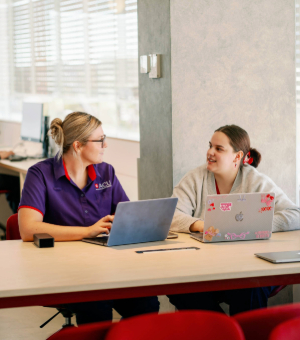
From borrowing laptops for exams to seeking expert study support, your campus library is a great place to help you manage study stress this exam and assessment season.

Being able to confidently evaluate AI-generated outputs is a key skill. Join ACU Library's upcoming online presentation to boost your digital literacy.
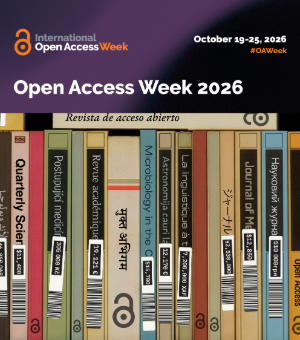
19 to 26 October is Open Access Week. Come along to a library workshop, speak to us about how to recue your research from behind a paywall or just reach out for Open Knowledge support.
ACU Library is here to keep you up to date on all things Open Access, supporting you to increase the reach of your research. To kick things off, we're taking a look at Research Bank.

Working on a thesis this year? Semester 2 can feel like crunch time. Having recently completed my honours thesis, here’s what got me through.

ACU Library regularly hosts free online workshops to support graduate researchers. Here’s what’s coming up for the rest of the semester.

Curious about AI but not sure where to start? ACU Library's AI hub is here to help.

Looking for a cosy nook, group study spaces or somewhere to focus and get stuff done? Come to the library!

Need academic or IT support? Find it in the library.

Spending hours picking through literature search results? I’ve been there! Here’s a time-saving tool I wish I knew about in my first year of uni.

The library is more than just a place to study. Dedicated and experienced library staff are on hand to help solve your study woes.
.jpg?rev=4f29cba4ab9f431094b3d90add556773)
Forgot your laptop? Need a device between classes? Our self-service laptop lockers provide convenient access to a laptop when you need one.
Our free workshops for researchers continue, with September bringing a focus on navigating research data with clarity, confidence and respect.
The library is running a free online workshop to help you improve your Copilot prompts.
We're showcasing how ACU's Higher Degree by Research students are 'Made for More' this Mission Week.

As a long time ACU student, I’ve always used the library’s resources. Here are my top tips for first year students just getting started.

Our library is getting a refresh! Stage 1 building works start on Level 2, Wednesday 19 August 2026.

We've been working behind the scenes to make Library Search faster, smarter and easier to use, and we're excited to share what's new.